— for site analysis & feasibility studies
– Trusted by


















350k+
Projects in active workspaces
400+
Cities covered
15 min
Brief to first saved analysis
10k+
Reusable data layers
Why Aino
Find and evaluate sites —
automated for your whole team.
01
Site analysis in minutes, not days
Drop an address. Aino pulls zoning, transit, demographics and environment automatically — no portals, no APIs, no manual assembly. Your team starts designing while others are still gathering data.
02
Presentation-ready maps your whole team reuses
Create a base map once for a city. Every new project starts from it — same style, same sources, same quality. No redesigning from scratch, no inconsistent outputs across team members.
03
Every project builds your studio's spatial knowledge
Every analysis, every layer, every finding is saved in a shared workspace. When a new project comes in for a familiar city, your team starts from what you already know — not from zero.
04
Run analysis yourself, without waiting for GIS
Your architects and planners run rigorous, source-tracked analyses directly — answers in minutes, not a three-day queue. Documented and ready for the planning meeting.
How Aino works
STEP 01
Connect your data sources, no setup required
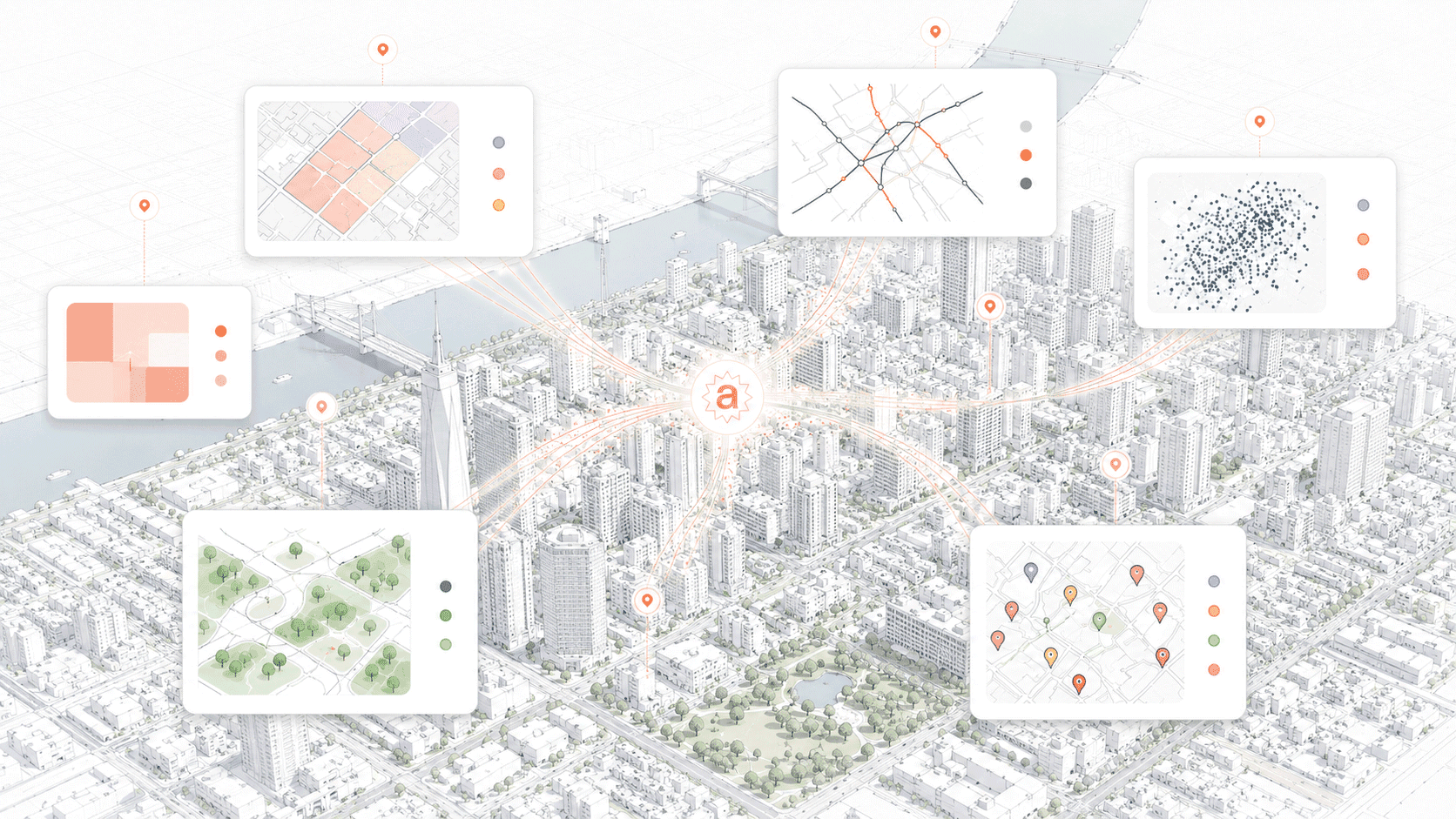
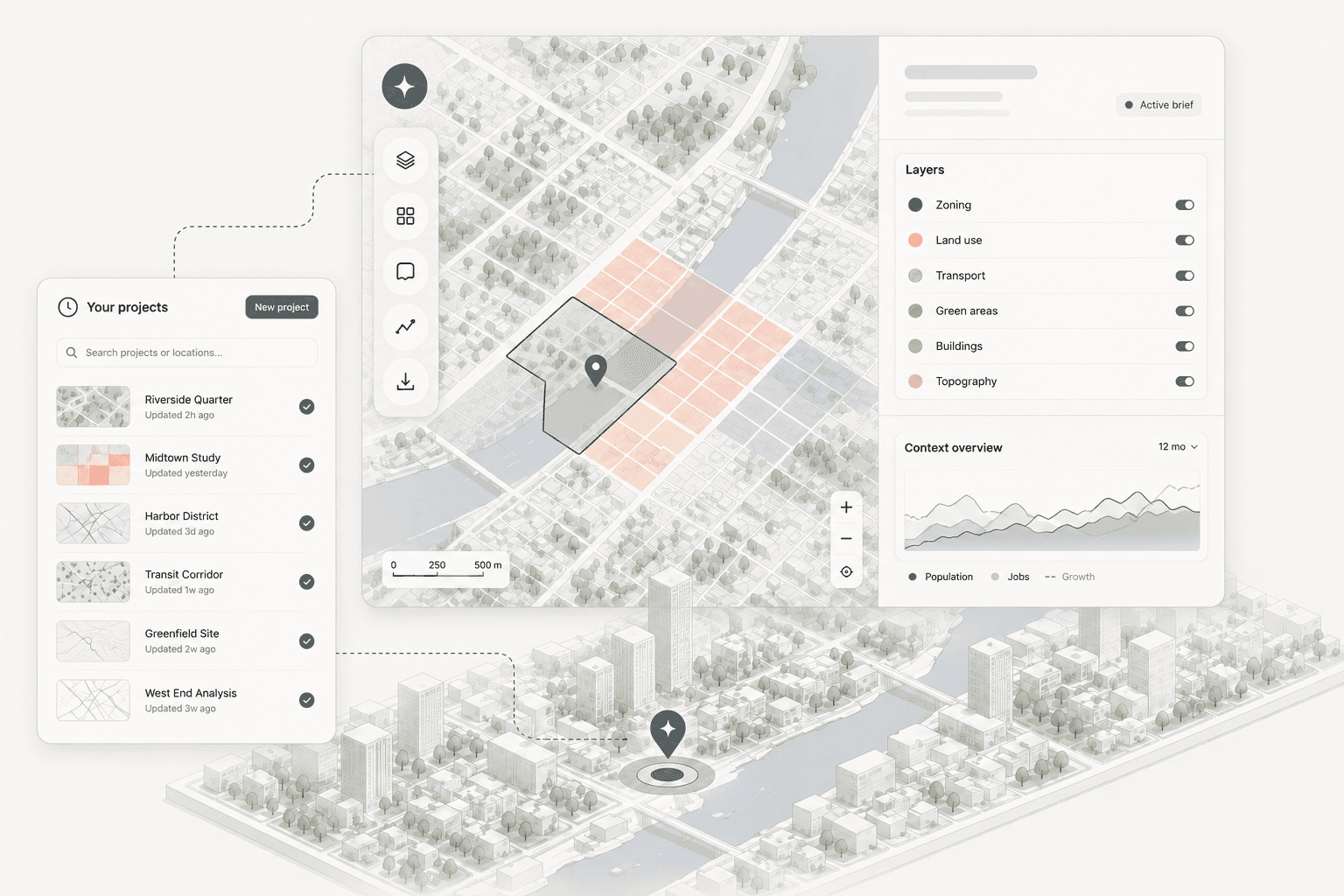
Aino connects to 10+ external data sources automatically — zoning, demographics, infrastructure, mobility. Bring your own files, databases, or internal layers. Everything lands in one workspace, ready to use. No data engineering, no manual assembly.
Your data + Aino's data library, combined
STEP 02
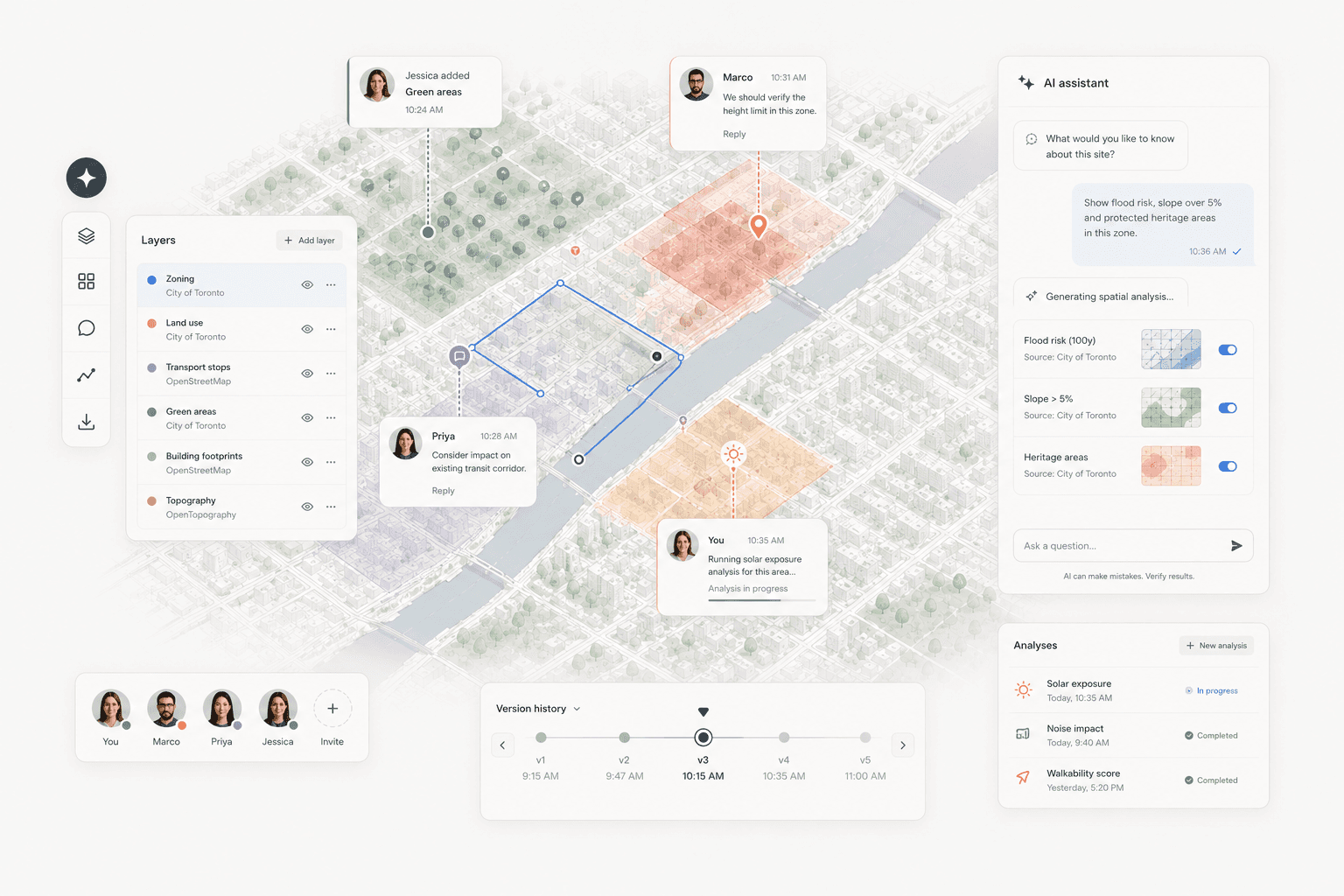
Ask a question, get a data analysis in minutes
Describe what you need in plain language. Aino's AI reads all connected data sources and produces a presentation-ready map or structured analysis report — in under 5 minutes. The same quality your team would spend days producing manually.
Human-quality output, automated
STEP 03
Reuse any analysis on the next project
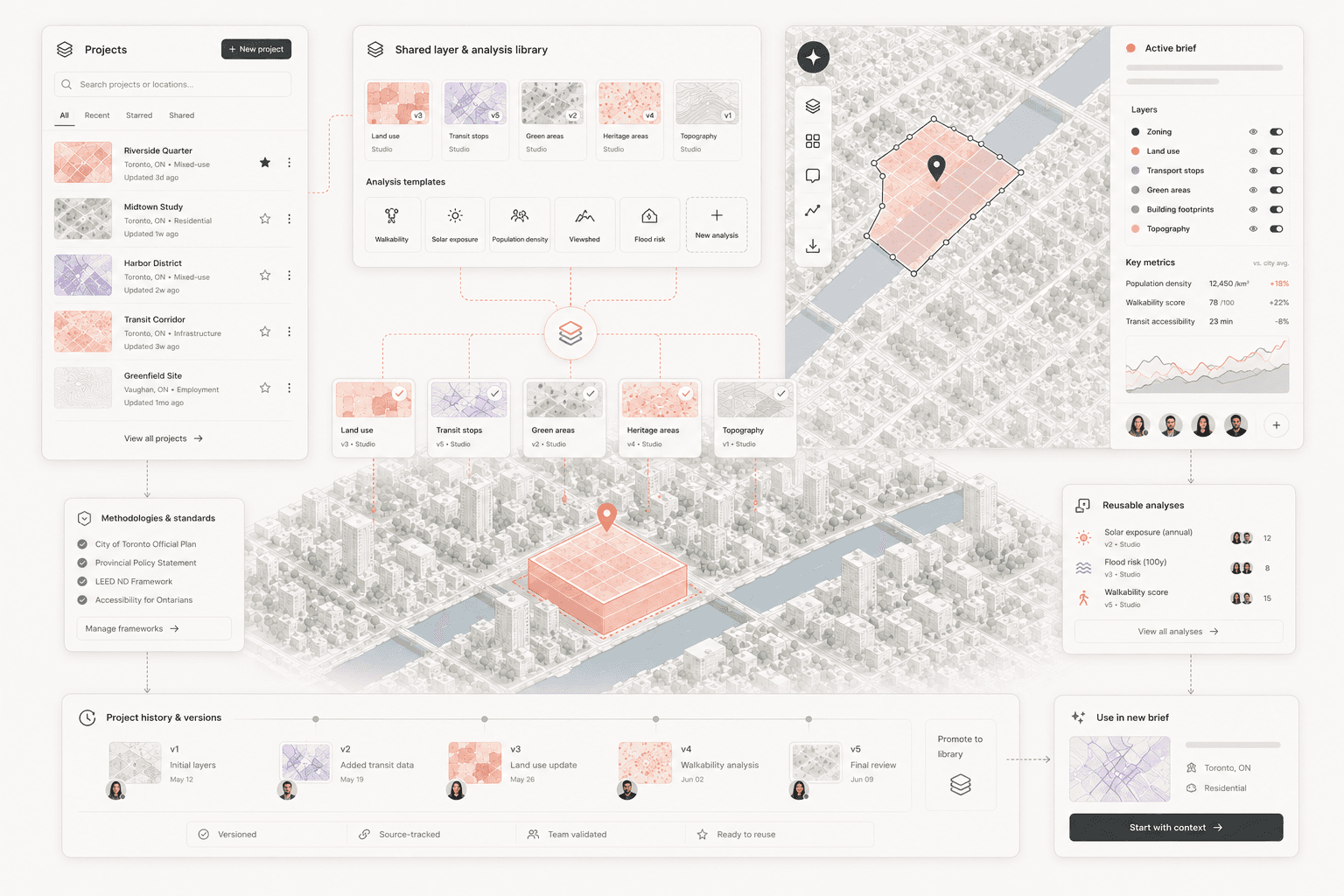
Every analysis your team runs is saved as a reusable template. When a new project comes in for the same city or typology, you start from what you already built — not from zero. Your studio's spatial knowledge compounds over time.
Built once, reused forever
The persistent workspace
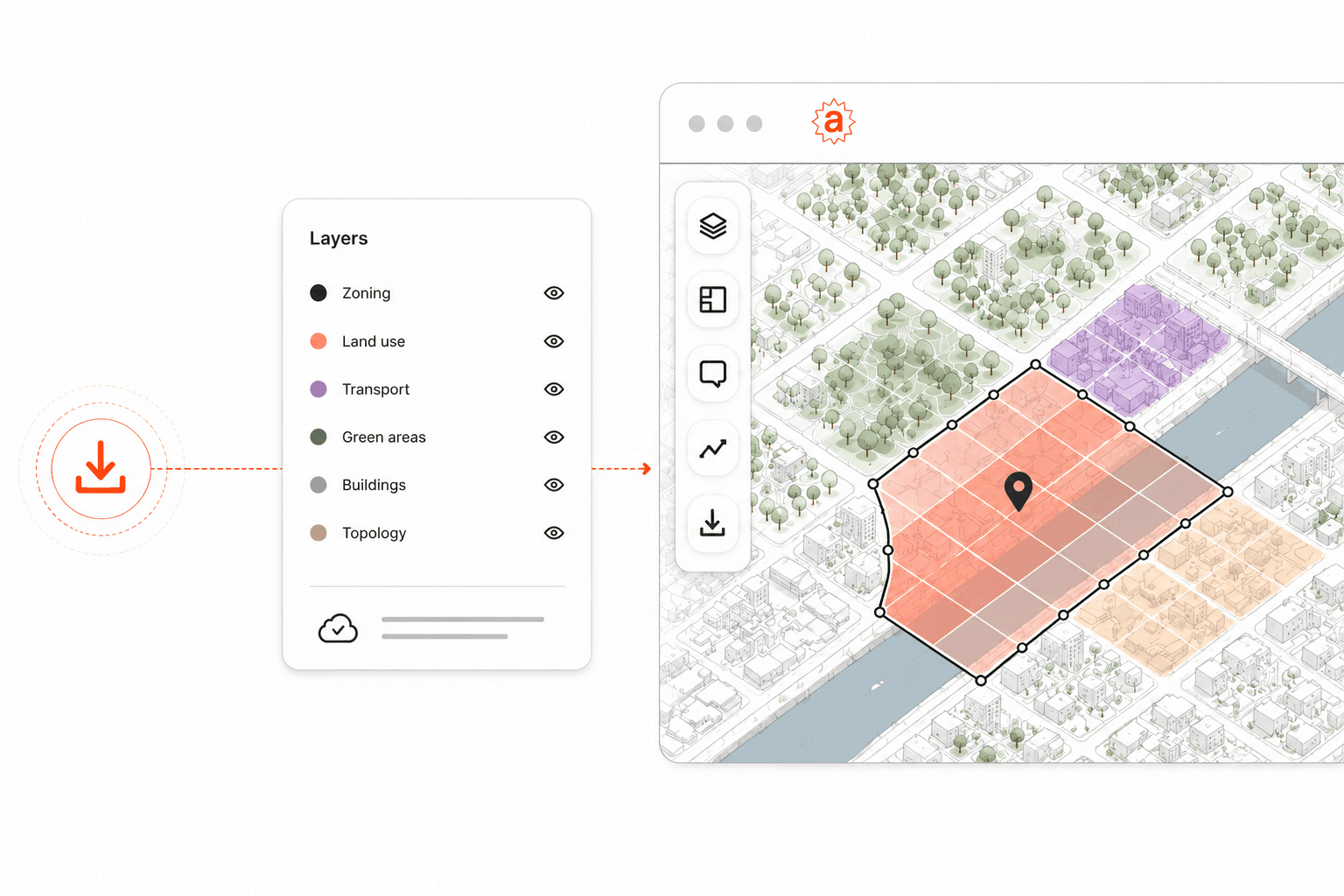
01
Saved states
Every project opens where you left it. Maps, layers, annotations and analyses persist between sessions. Close the tab, come back next week — the project is exactly as your team left it.
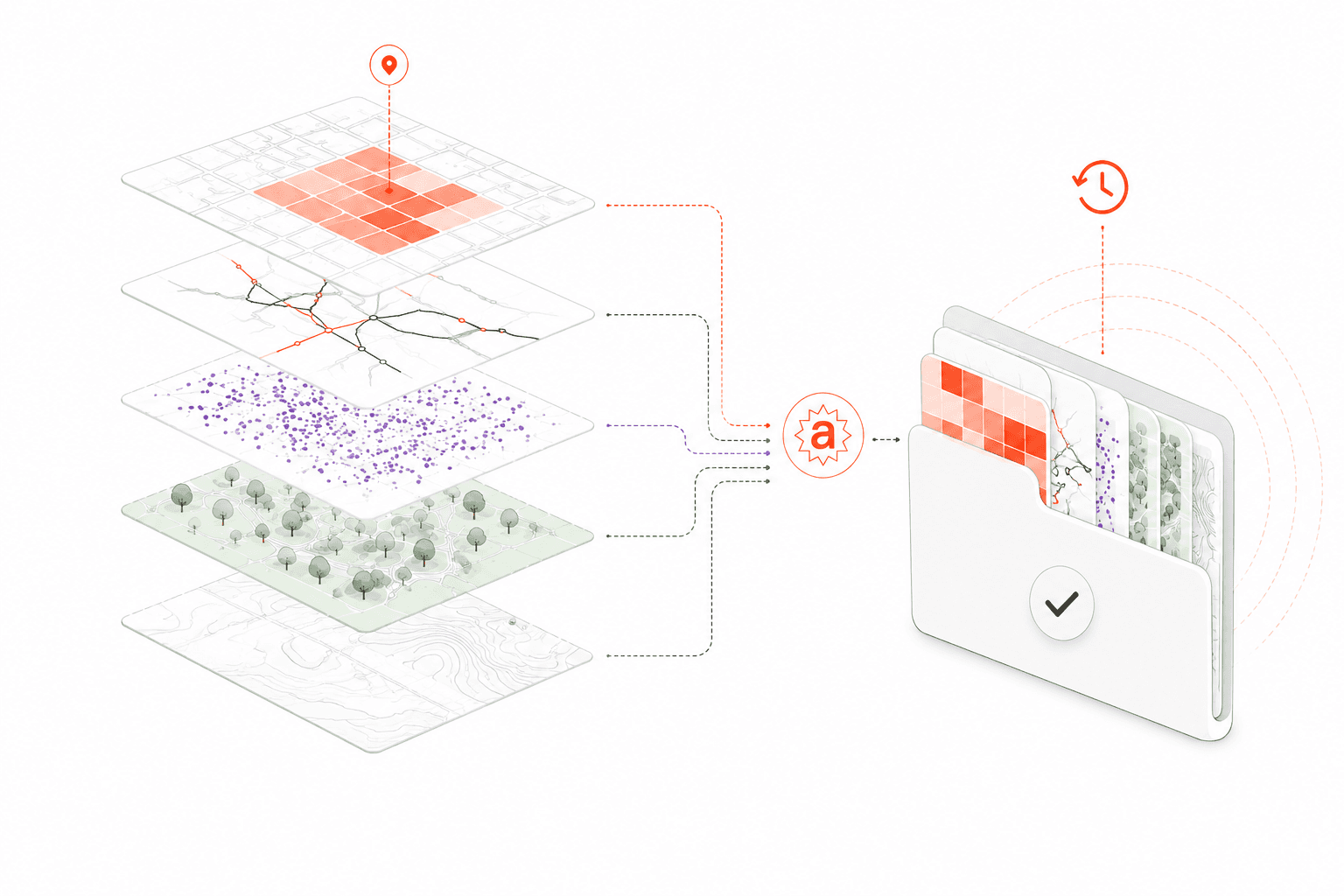
02
Reusable layers & analysis templates
Build a layer once and reuse it across every project that needs it. Your studio's standards live in the workspace, not in one person's GIS file.
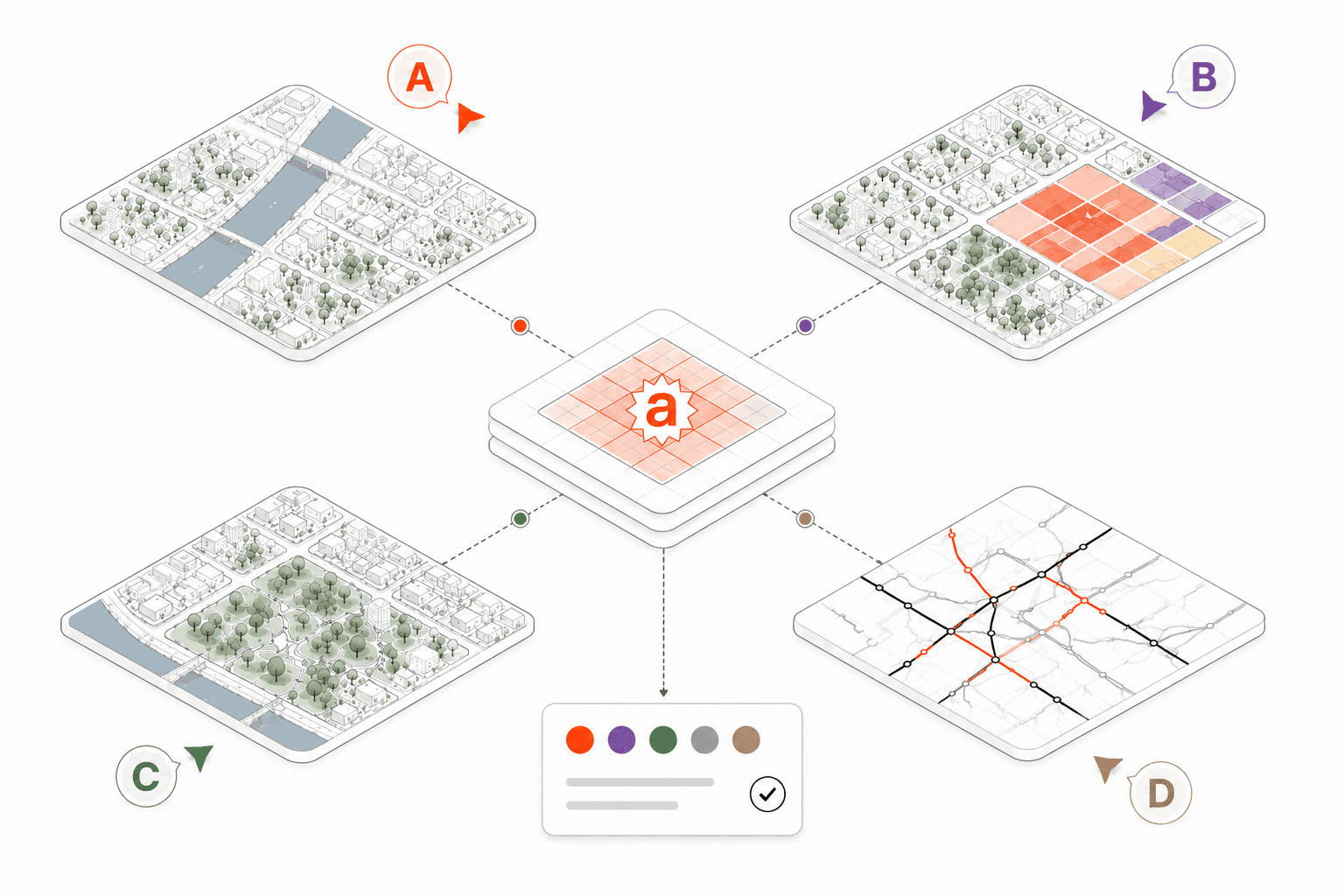
03
Collaborative spatial workflows
Every project your studio creates follows the same standard: consistent style, consistent sources, consistent quality. Reuse across decks, cities and teams.
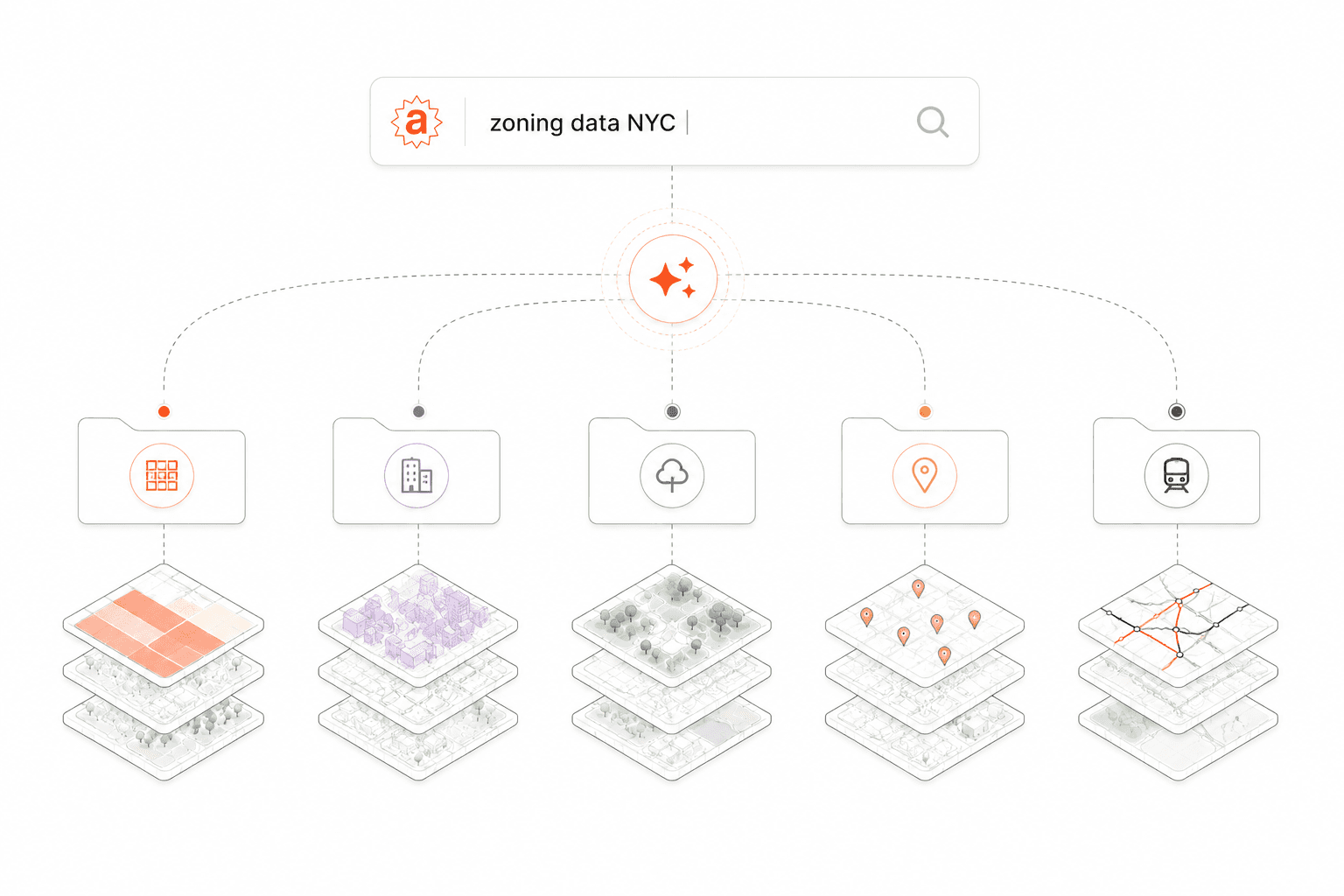
04
Project memory across the firm
Every analysis your studio runs becomes searchable context. When a new project revisits a familiar city, your team starts from what you already know. Not from zero, not from someone's personal drive.
Client-ready output
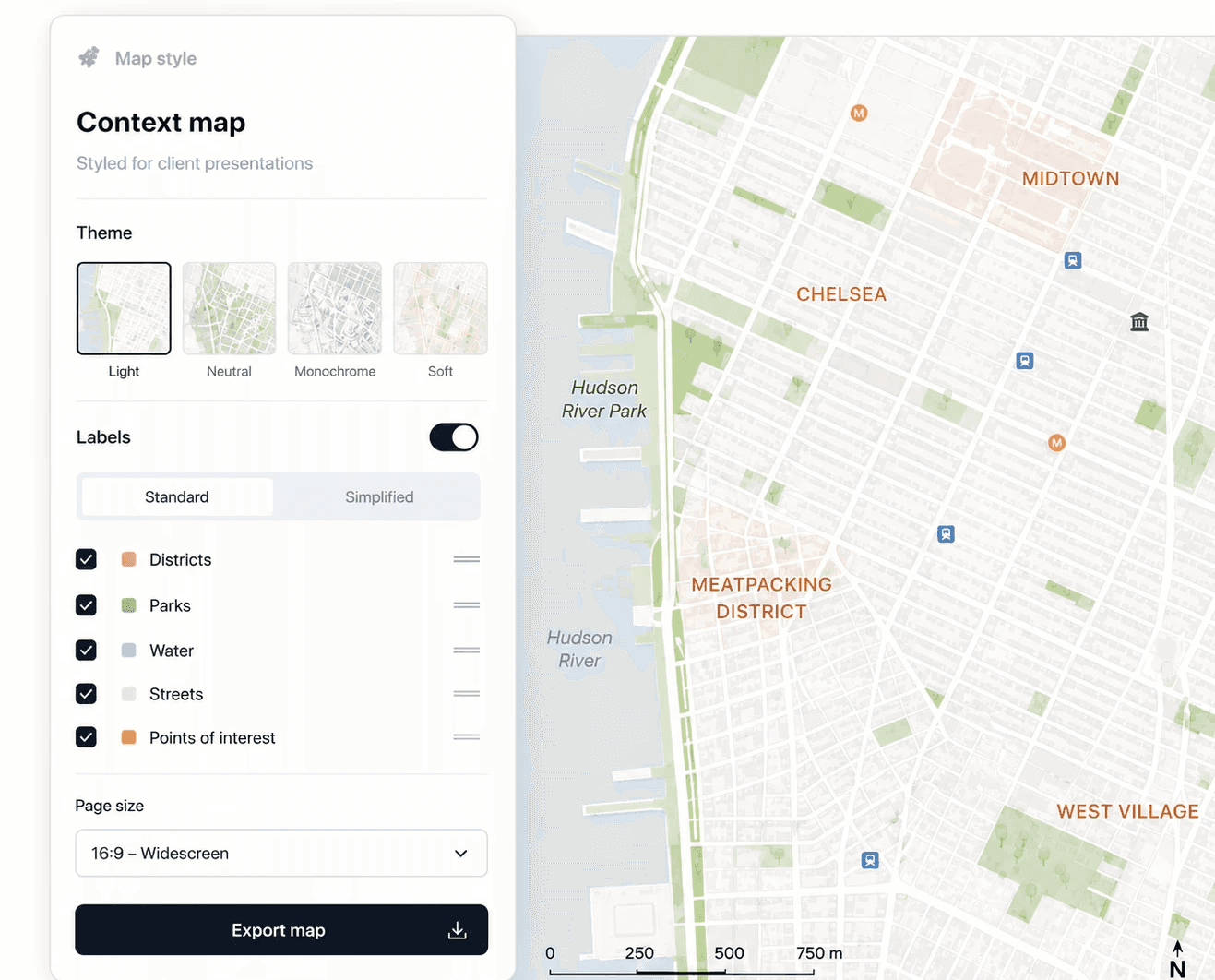
Pitch Map
Styled context maps for client presentations
Consistent visual language, labelled for non-specialists, sized for your slide deck. One click. Every project.
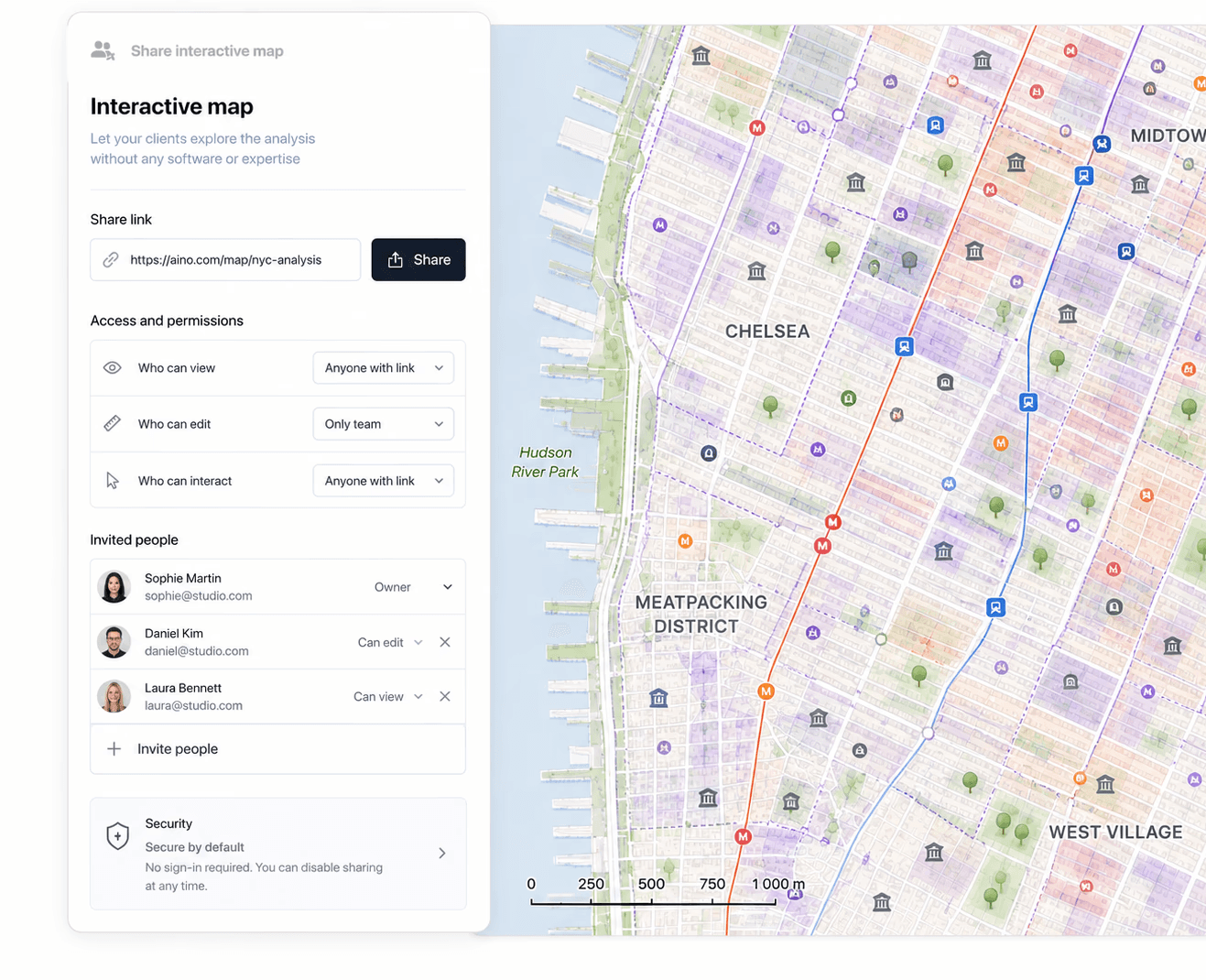
Stakeholder Dashboard
Interactive maps your clients
can explore themselves
Share a live link — your client or planning committee navigates the analysis without needing any software or expertise on their end.
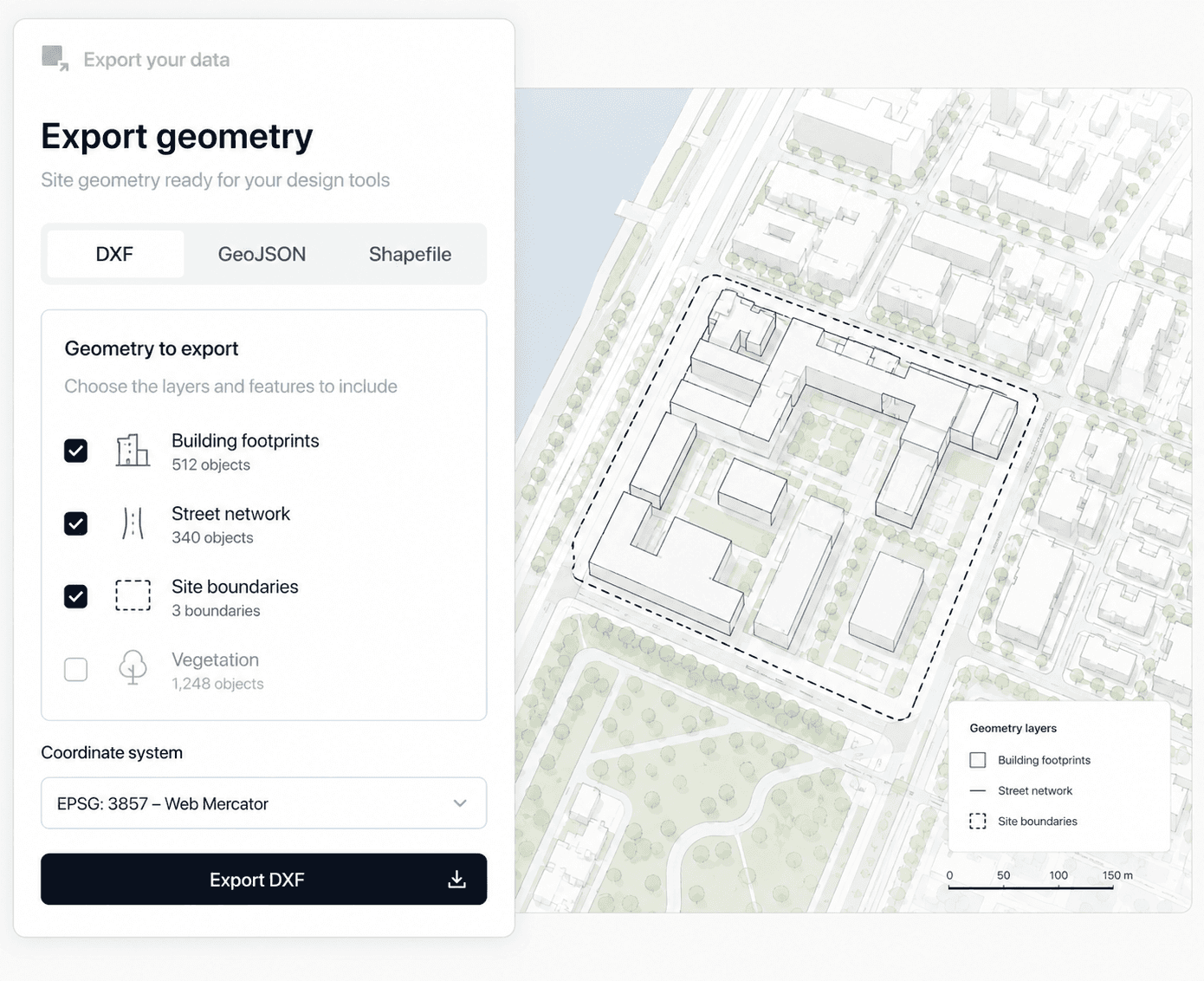
CAD Export
Site geometry ready
for your design tools
Building footprints, street networks, site boundaries — exported as DXF or GeoJSON, geo-referenced and ready to open in Rhino or AutoCAD.
Verified data sources
Premium data — included in your subscription

Google Maps
Amenities · POIs · Economy

Regrid
Parcels · Zoning · Landuse

Rentcast
Rental rates · Market data
Open & institutional data
Zenodo
terrain & elevation

Analysts & Planners
Drop an address, connect your sources, ask in plain language. Aino returns a sourced, structured analysis in minutes. Your time goes to interpretation, not assembly.
Address to full location analysis
in 15 minutes
10+ data sources connected automatically
Source-tracked findings you can stand behind
Any analysis reusable as a template on the next project
Directors & Partners
Every project has a location component. Aino makes sure it's rigorous and documented — produced in-house, ready for the client or planning submission.
20 hours saved per project on location research
No GIS specialist on retainer — $60k+ saved per year
One subscription replaces $2000 separate data licences and software
Location risk surfaced before it becomes a change-order
GIS & Data Engineers
Aino handles routine location requests. Your skills go to complex spatial work. Connects to your existing stack, every project under proper access control.
Connects to existing GIS, CAD and data workflows
Supports GeoJSON, DXF, CSV, KML, Postgres
Role-based permissions, per-project access control
Full audit log — who accessed what, when, exported where