Evaluate, compare, and generate clear reports
for faster decisions



Step 1.
Create or select an analysis template
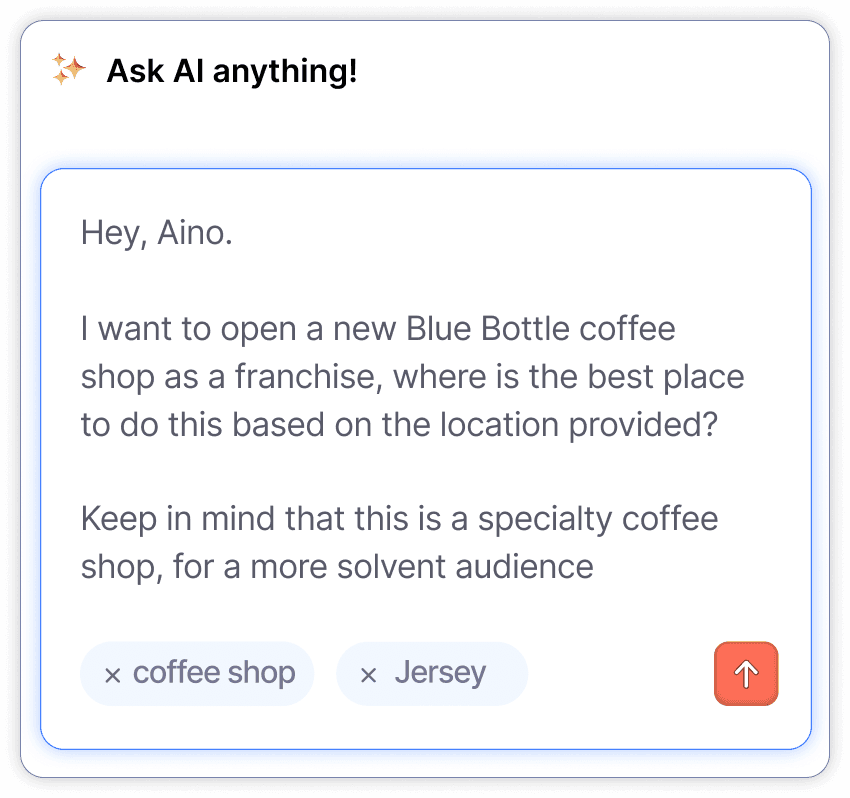
Define your goal as clearly as you would to a person. Use an existing template or ask Aino to generate a new one.
Example:
“I want to open a new specialty coffee shop. Where is the best location for this based on the data?”
Aino will understand your criteria and prepare the analysis.
Step 2.
Run analysis for your locations
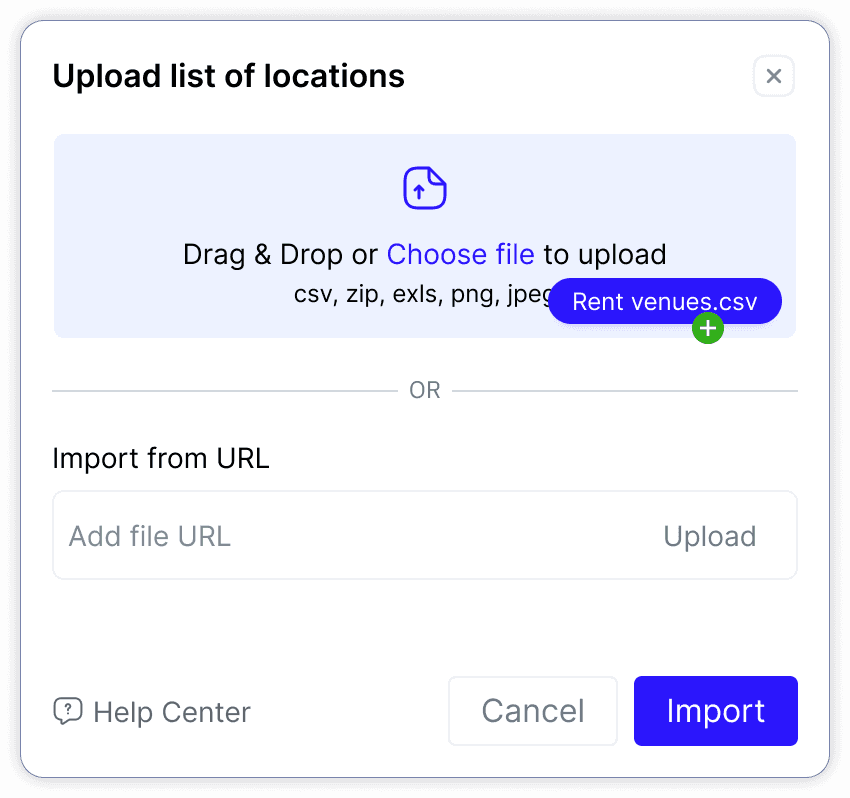
Choose a single location or upload a full portfolio. You can select points on the map, enter addresses, or upload a file (CSV, XLS, PNG, JPG).
Aino processes your data and prepares a comparison across all sites.
Step 3.
Get instant shareable results
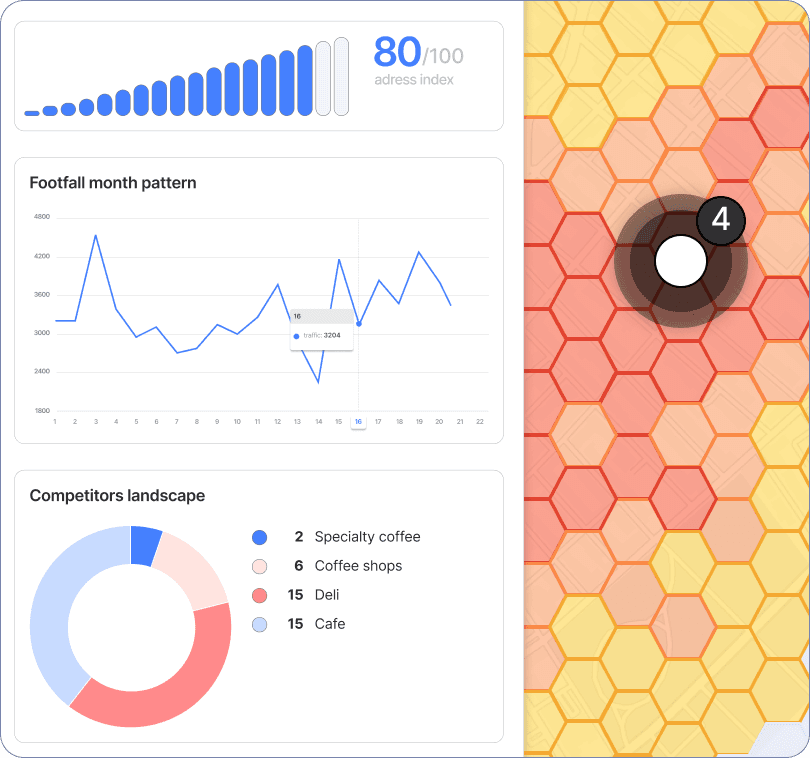
View results on your dashboard. Each location is scored, visualized, and summarized in a clear report that you can share with your team or clients.
Outputs include:
Site scores and rankings
Footfall and activity trends
Competitive landscape
Heatmaps and visual insights